Guide
HDR real estate photography, without the editing queue
HDR (high dynamic range) photos show a room the way your eye sees it: bright interiors and a clear view out the window in the same shot. Here's how it works, when to use it, and how to get it done in seconds.
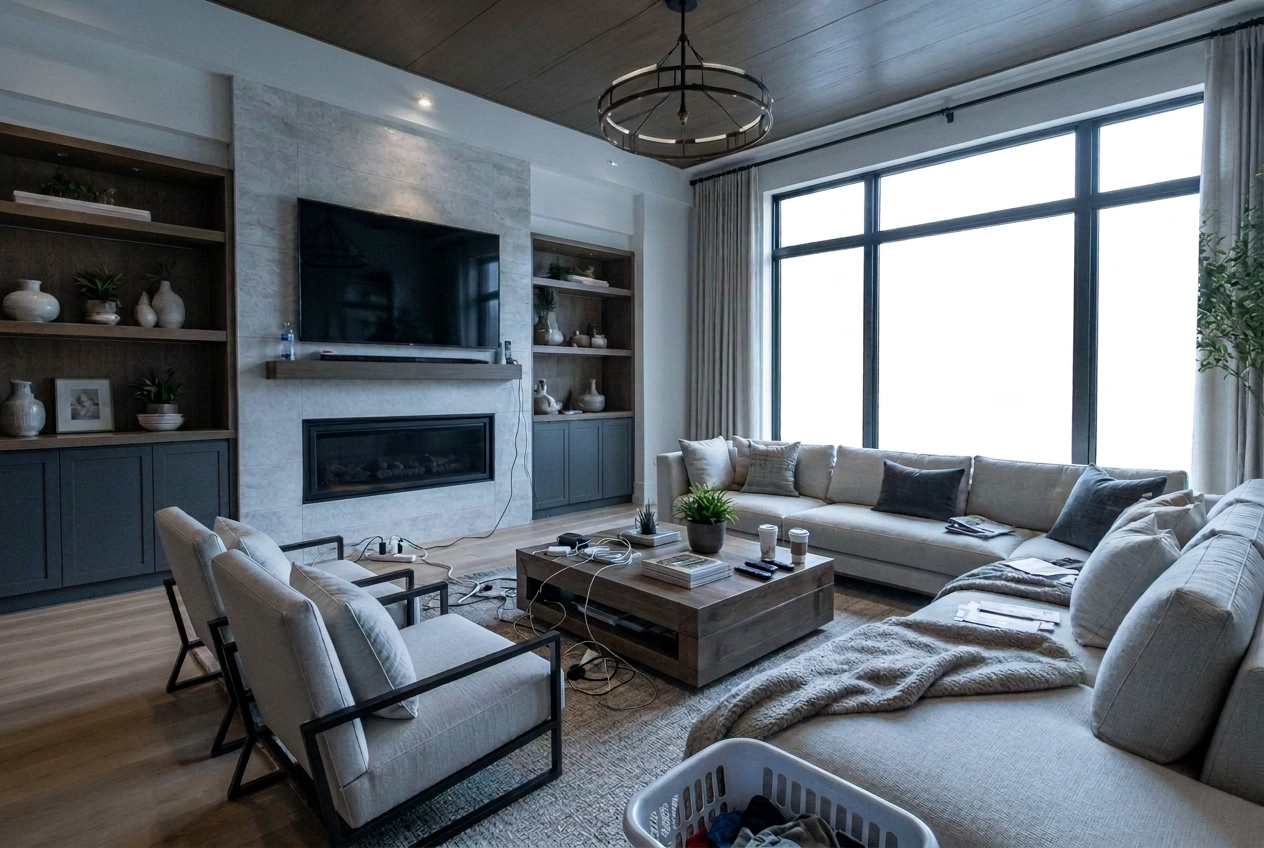

What is HDR in real estate photography?
A camera can't capture a dark room and a sunny window at once. Photographers work around this by shooting "brackets": the same frame at several exposures, dark to bright. HDR blends those brackets so shadows open up, windows keep their detail, and colors stay natural.
When HDR helps a listing
- Interiors with large windows or glass doors
- Rooms with mixed light: daylight plus warm lamps
- Kitchens and baths with dark cabinets next to bright counters
- Commercial spaces like lobbies, showrooms, and warehouse bays with skylights
Common HDR mistakes
Over-processed HDR looks gray, haloed, or cartoonish, and buyers notice. Other problems include ghosting from moving objects between brackets, color casts from mixed light, and tools that quietly warp or reshape windows. A good HDR edit should look like a well-lit room, not like an edit.
How ListSooner handles HDR
Upload a single photo or the whole shoot. ListSooner balances exposure, recovers window detail, and corrects white balance, usually in under a minute per photo. Every edit runs with a structure lock: walls, windows, doors, and fixed features are never moved, added, or resized. Framing stays the same, so your photos still match the property.
You can stack HDR with other edits, like decluttering, then download the whole shoot as MLS-ready files in one ZIP.
Do HDR photos need a disclosure?
Tone and exposure fixes usually don't. Edits that remove items or change the sky or time of day often should be labeled. See our disclosure guidance.